
Can a TDS return be filed without a DSC
Yes, an EVC works instead, but only once the principal contact has bank, demat or Aadhaar details on the portal. The full upload, step by step.
No. A DSC is one of two ways to verify the upload. If you have not generated a DSC you can verify the statement with an electronic verification code instead, provided the principal contact meets the bank account, demat account or Aadhaar linking condition.
On this page
Yes. A quarterly TDS statement can be uploaded and verified with an electronic verification code, so a digital signature certificate is not compulsory. The DSC and the EVC are two alternative ways of signing the same upload, and the portal offers whichever one you are set up for.
The condition attached to the EVC route is the part that catches people out. Before the option appears, the principal contact’s bank account or demat account details must be recorded on the income tax portal, or the principal contact’s PAN must be linked with Aadhaar. If neither is true, the portal will show only the DSC option and the upload will stall there.
What you need before you start
A TDS return is filed under a TAN, not a PAN, and the TAN has to be registered for e-filing before anything else works. Gather the following:
- A valid TAN, registered on the income tax portal.
- The statement prepared in the Return Preparation Utility and validated through the File Validation Utility. The portal accepts the validated output.
- For the DSC route, a valid digital signature certificate registered for e-filing.
- For the EVC route, the principal contact’s bank or demat account details on the portal, or the principal contact’s PAN linked with Aadhaar.
- Access to the mobile number registered against the account, because the final step sends an OTP to it.
How the upload works, step by step
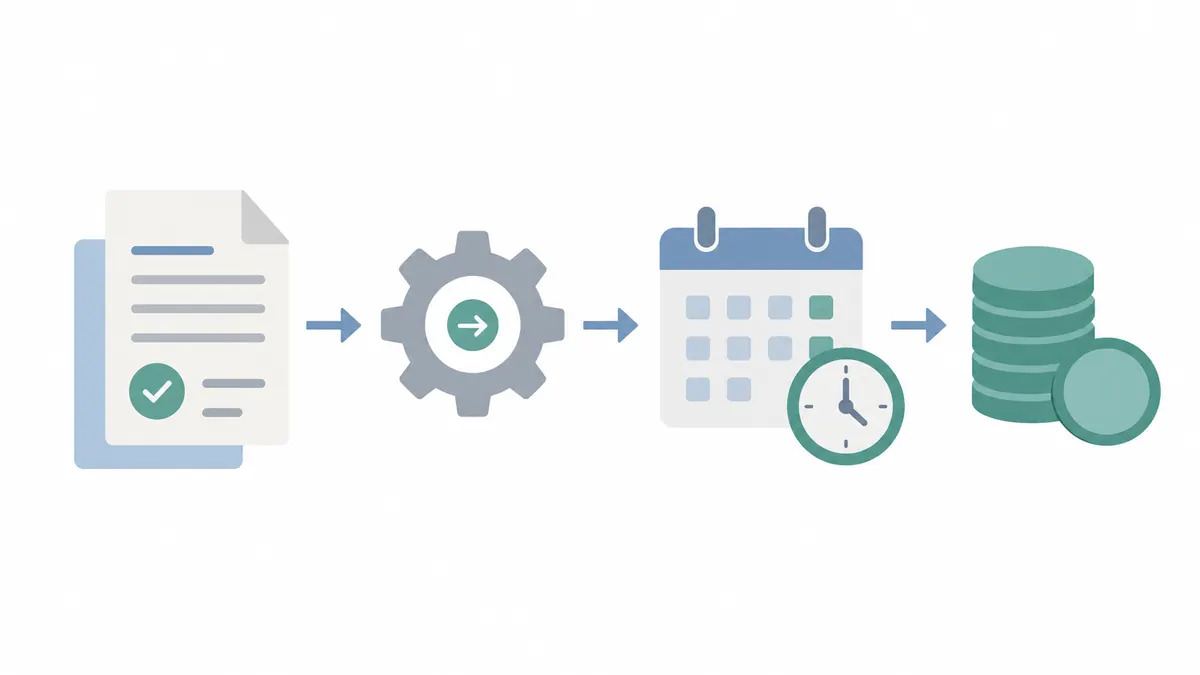
- Log in with the TAN. Use the TAN credentials on the income tax portal. Logging in with a personal PAN will not show the TDS forms.
- Open the form. From the dashboard, go to e-File, then Income Tax Forms, then File Income Tax Forms, and select the form you are filing for the quarter.
- Start the upload. Choose Upload TDS Form and select Let’s Get Started.
- Enter the statement details. Fill in the financial year, quarter, form name and upload type, then attach the validated file.
- Move to verification. Select Proceed to e-Verify.
- Choose EVC over DSC. If no DSC has been generated, the portal offers the electronic verification code. Generate a new EVC or use one still valid, and enter it.
- Enter the OTP. An OTP goes to the registered mobile number. Entering it completes the submission and produces a success message.
Which form belongs to which payment
The form depends on what was deducted, not on who you are:
- Salary payments are reported in Form 24Q.
- Payments other than salary to residents go in Form 26Q.
- Payments to non-residents go in Form 27Q.
- Tax collected at source is reported in Form 27EQ.
Filing the wrong form is one of the more common reasons a statement is rejected at validation, before it ever reaches the verification step.
The deadlines, and what missing them costs
Quarterly statements are due on 31 July for the April to June quarter, 31 October for July to September, 31 January for October to December, and 31 May for January to March.
Missing a deadline attracts a late fee under Section 234E, which runs for each day of delay until the statement is filed. That is separate from the interest charged where tax was deducted and then deposited late. Deductees also feel a late filing directly, because the TDS does not appear in their Form 26AS until the statement is processed, which delays their own return and any refund on it.
Where filers get stuck
- The EVC is available to everyone by default. It is not. Until the principal contact’s bank or demat details are on the portal, or that PAN is linked with Aadhaar, the portal offers only the DSC route.
- The TDS return is filed on TRACES. The upload happens on the income tax portal. TRACES is where processed statements, defaults and Form 16 or 16A downloads live afterwards. The two are used at different stages.
- A successful upload means the return is accepted. It means the file was received. Processing happens afterwards, and a defect raised at that point still needs a correction statement.
- The Section 234E fee is the same as the Section 234F fee. They are different provisions. Section 234E covers late TDS statements, Section 234F covers a late income tax return. Missing both means paying both.
Common questions
Is a digital signature compulsory for filing a TDS return?
No. A DSC is one of two ways to verify the upload. If you have not generated a DSC you can verify the statement with an electronic verification code instead, provided the principal contact meets the bank account, demat account or Aadhaar linking condition.
What has to be true before the EVC option appears?
The principal contact's bank account or demat account details must be provided on the portal, or the principal contact's PAN must be linked with Aadhaar. Until one of these is in place the portal will only offer the DSC route.
When are quarterly TDS returns due?
31 July for April to June, 31 October for July to September, 31 January for October to December, and 31 May for January to March.
What happens if the TDS return is filed late?
A late fee applies under Section 234E for every day of delay until the statement is filed. This is separate from any interest on TDS that was deducted but paid over late.
Checked against ClearTax, filing TDS returns on the income tax portal on 7 August 2026. Rules change, so confirm on the official portal before acting.
SimpleDoc is independent and not affiliated with any government body. This is general guidance, not financial or legal advice. Always confirm details on the official portal before acting.